How to Automate Business Workflows with n8n and Python
A complete step-by-step guide to building powerful, cost-effective business automation workflows using the open-source n8n platform and custom Python scripts.
On This Page
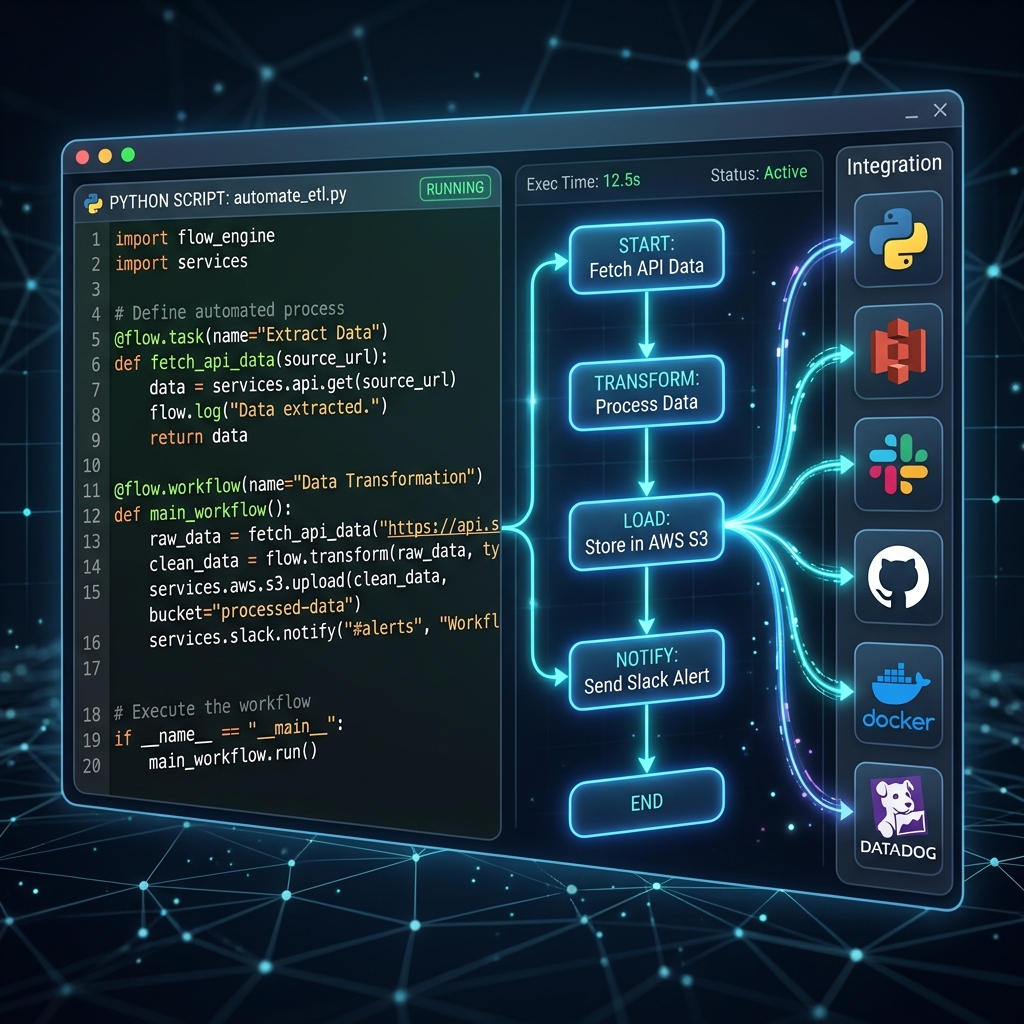
How to Automate Business Workflows with n8n and Python
Operational efficiency is the secret weapon of modern high-growth companies. Every minute an employee spends manually copying data between spreadsheets, downloading email attachments, typing follow-ups, or copy-pasting customer details into a CRM is a minute wasted.
While tools like Zapier and Make have made workflow automation accessible, they quickly become cost-prohibitive as transaction volume scales. A single complex workflow running a few thousand times a month can cost hundreds of dollars on proprietary platforms.
This is where n8n and Python shine. By combining n8n (a fair-code, self-hostable node-based workflow tool) with custom Python scripts, businesses can build enterprise-grade, highly flexible, and completely free automated pipelines. In this comprehensive guide, we will walk you through how to set up, connect, and scale your business automation using n8n and Python.
Why Choose n8n and Python for Automation?
Before we jump into the technical setup, let's look at why this combination is a game-changer for businesses of all sizes:
- Unbeatable Cost-Efficiency: n8n can be self-hosted on a simple virtual private server (VPS) for as little as $5/month, allowing you to run unlimited executions and transfer gigabytes of data without paying per-run fees.
- Infinite Flexibility with Python: Visual automation platforms are limited by the pre-built nodes they offer. Python allows you to write custom logic, perform advanced data cleaning, call niche APIs, run machine learning models, and handle complex string manipulations.
- Robust Visual Builder: n8n's visual node interface makes it easy to map out workflows, visualize data flow, debug errors, and monitor logs. It acts as the orchestrator, while Python handles the heavy lifting.
- Data Security and Control: Because you can host n8n on your own servers, sensitive customer and financial data never leaves your environment, which is crucial for GDPR and HIPAA compliance.
Step 1: Setting Up Your n8n Environment
To get started, you have two primary options: using n8n Cloud (paid managed service) or self-hosting n8n using Docker. For production business workflows, we highly recommend self-hosting.
Here is a quick Docker Compose configuration to spin up n8n on a Linux VPS:
version: '3.8'

services:
  n8n:
    image: docker.n8n.io/n8nio/n8n
    restart: always
    ports:
      - "5678:5678"
    environment:
      - N8N_HOST=automation.yourdomain.com
      - N8N_PORT=5678
      - N8N_PROTOCOL=https
      - NODE_ENV=production
      - WEBHOOK_URL=https://automation.yourdomain.com/
    volumes:
      - n8n_data:/home/node/.n8n

volumes:
  n8n_data:
Once deployed and mapped to your domain with an SSL certificate, you can access the admin dashboard by navigating to your URL and setting up your owner account.
Step 2: Running Python Inside n8n
n8n offers two main methods to run Python scripts within your workflows:
Method A: The Code Node (JavaScript / Python)
In recent versions of n8n, the Code Node has built-in support for both JavaScript and Python (using Pyodide under the hood, which runs Python directly in the browser/node environment). This is excellent for lightweight scripts, data formatting, and running math calculations.
To use Python in the Code Node:
- Drag a Code node into your workflow.
- Change the language setting from
JavaScripttoPython. - Write your script. The input data is accessible via the
ndjsonoritemvariables.
Example Code Node snippet:
# Convert all input names to uppercase and parse billing numbers
for item in input_data:
    raw_name = item.json.get('customerName', '')
    item.json['formattedName'] = raw_name.strip().title()

    amount = float(item.json.get('amount', 0))
    item.json['taxAmount'] = amount * 0.18 # 18% GST calculation

return input_data
Method B: Execute Command Node (Native Python Execution)
For scripts that require heavy libraries like pandas, openpyxl, requests, or machine learning frameworks, you should run a native Python environment on your VPS and invoke it via the Execute Command node.
- Install Python on the server hosting your n8n Docker container.
- Make sure the container has access to host command execution (or install Python directly inside a custom n8n Docker image).
- Set up a virtual environment and install your packages (
pip install pandas openpyxl). - In n8n, use the Execute Command node to run your script:
python3 /app/scripts/process_leads.py '{{ JSON.stringify($json) }}'
Real-World Case Study: Automated PDF Lead Ingestion
Let's build a practical workflow. Many business-to-business (B2B) companies receive sales leads or invoices as PDF email attachments. Manually opening these PDFs, extracting key fields, updating a CRM, and generating a Slack alert is a slow and error-prone process.
We will automate this entire process:
- Trigger: n8n polls a GMail inbox for emails with the subject "New Lead PDF".
- Download: n8n downloads the PDF attachment.
- Extract (Python): A Python script runs text extraction on the PDF, searches for phone numbers, email addresses, and names using regex, and returns structured JSON data.
- CRM Update: n8n checks if the lead exists in HubSpot/Salesforce and creates a new contact if it doesn't.
- Slack Alert: n8n sends a message to the sales team channel with a summary of the lead.
Writing the Python Extraction Script
Here is the Python script (extract_lead_pdf.py) using pdfplumber and re to pull lead information from a PDF document:
import sys
import json
import re
import pdfplumber

def extract_pdf_data(pdf_path):
    lead_data = {
        "name": "Unknown",
        "email": "Unknown",
        "phone": "Unknown",
        "company": "Unknown"
    }

    with pdfplumber.open(pdf_path) as pdf:
        full_text = ""
        for page in pdf.pages:
            full_text += page.extract_text() or ""

    # Regular expressions for data capture
    email_match = re.search(r'[\w\.-]+@[\w\.-]+\.\w+', full_text)
    phone_match = re.search(r'\+?\d{10,12}', full_text)

    # Process text lines to extract company and name
    lines = [line.strip() for line in full_text.split('\n') if line.strip()]
    for i, line in enumerate(lines):
        if "Name:" in line:
            lead_data["name"] = line.replace("Name:", "").strip()
        elif "Company:" in line:
            lead_data["company"] = line.replace("Company:", "").strip()

    if email_match:
        lead_data["email"] = email_match.group(0)
    if phone_match:
        lead_data["phone"] = phone_match.group(0)

    return lead_data

if __name__ == "__main__":
    # Path passed from n8n Execute Command node
    file_path = sys.argv[1]
    result = extract_pdf_data(file_path)
    # Output to stdout as JSON so n8n can parse it automatically
    print(json.dumps(result))
Orchestrating in n8n
Inside the n8n visual editor:
- Add an Email Read (IMAP) node to watch your inbox.
- Connect it to an Execute Command node, passing the path of the downloaded attachment:
python3 /scripts/extract_lead_pdf.py "{{ $node["Email Read"].binary.attachment_0.directoryPath }}/{{ $node["Email Read"].binary.attachment_0.fileName }}" - Connect the output to a HubSpot node to create a contact.
- Connect the HubSpot node to a Slack node to notify the team.
This automated flow takes less than 3 seconds to execute, compared to the 5-10 minutes a human would take to do the same task manually.
Best Practices for Enterprise Automation
When deploying automation across your business operations, keep these recommendations in mind to prevent failures and maintain security:
- Error Triggers and Notifications: Always configure n8n's "Error Trigger" node. If a database query fails or an API returns an error, the workflow should catch the exception and post a alert in a Discord/Slack debugging channel immediately.
- Keep Credentials Secure: Never hardcode API keys or passwords inside your Python scripts. Instead, use environment variables or n8n's secure credential storage and pass them to Python dynamically.
- Write Modular Scripts: Keep your Python code highly focused. Use it for data parsing, calculations, or machine learning, and let n8n handle the HTTP integrations and database routing.
- Implement Logging: Print clean debug statements inside your Python scripts. In the event of a failure, you will be able to review standard error logs directly in the n8n executions panel.
Conclusion
By combining the workflow orchestration of n8n with the endless capabilities of Python programming, businesses can build custom, self-hosted automation platforms. This strategy drastically reduces tool licensing costs, secures data handling, and enables teams to automate processes that would be impossible with off-the-shelf software.
Start small: automate your invoice reminders, clean up your CRM contacts, or sync your spreadsheets. Once you see the power of automated workflows, you'll find countless other processes to automate, saving your business hundreds of hours and lakhs of rupees.
Building enterprise SaaS for Indian businesses from Hyderabad.
LinkedIn